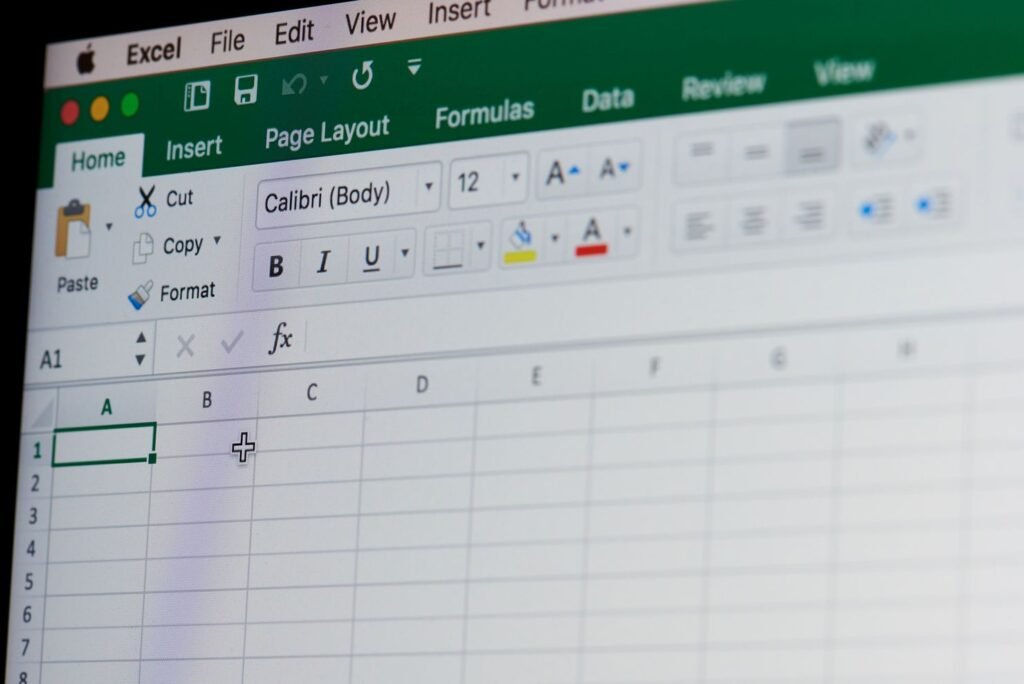
Making the Excel Experience Easier
You know the moment. You’re scrolling down through a spreadsheet — maybe it has 300 rows, maybe 3,000 — and somewhere around row 40, your column headers quietly disappear off the top of the screen. Now you’re staring at a wall of numbers with absolutely no idea which column is which. So you scroll back up, check, scroll back down, lose your place, and repeat.
It’s one of the most universally annoying things about working in Excel. And it has a fix that takes about four seconds.
How to Freeze the Top Row
- Click anywhere in your spreadsheet.
- Go to the View tab in the ribbon.
- Click Freeze Panes.
- Select Freeze Top Row.
Done. Your header row now stays locked at the top of the screen no matter how far down you scroll. To undo it, go back to View → Freeze Panes → Unfreeze Panes.
That’s genuinely all there is to it for most spreadsheets.
How to Freeze Multiple Rows — or a Column
If your spreadsheet uses more than one header row, the process is only slightly different. Click on the row just below the last row you want frozen — so if you want rows 1 and 2 to stay visible, click row 3 — then go to View → Freeze Panes → Freeze Panes (not “Freeze Top Row”). Excel locks everything above your selected row.
The same logic applies horizontally. If you want a column to stay visible as you scroll right — say, a column of client names on the far left — click the column just to the right of it, then select Freeze Panes. Your identifier column stays put while everything else scrolls.
Key Benefits of Modern Techniques
Today’s facial procedures prioritize safety, precision, and natural results with minimal downtime and improved comfort.
- Improves confidence through medically guided results
- Reduces signs of aging with subtle refinement
- Enhances facial balance and natural symmetry
I was not going to come to this class. Now I’m glad I did. The relaxed atmosphere was comfortable and genuinely conducive to learning.
How to Freeze a Row and a Column at the Same Time
This one is where people sometimes get tripped up, but the rule is consistent: click the single cell that sits directly below the row you want frozen and directly to the right of the column you want frozen. Then go to View → Freeze Panes → Freeze Panes.
Excel locks everything above and to the left of that cell simultaneously. Scroll down, scroll right — your headers and your leftmost column stay exactly where they are.
Why Something This Simple Matters
Freeze Panes is the kind of feature that feels like a minor convenience right up until you’re working in a large spreadsheet without it. Then it feels indispensable.
When someone loses track of which column they’re entering data into, things end up in the wrong place. Not dramatically wrong — just quietly wrong, in ways that don’t surface until someone runs a report and the numbers look off. Keeping headers visible is a small structural decision that prevents a category of mistakes entirely.
It’s one of the first things covered in CTS Excel Introduction courses, and the reaction is almost always the same: “I’ve been doing this for years and didn’t know that.”
The right foundation makes everything else in Excel easier. Custom Training Services offers Excel training at every level, from the basics through advanced automation.
Contact us to build a program for your organization.